A better place for your notes.

Deepink makes note-taking ergonomic and fun.
Download DeepinkLearn more

A vault you can trust

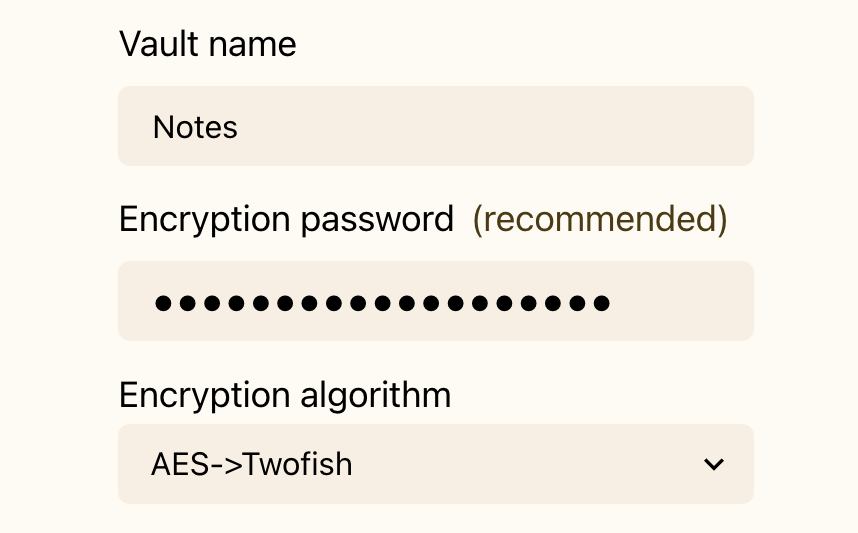
Everything in your vault is encrypted. Unlike many other apps, it does really mean all your data including notes content, files, and metadata. You can choose the algorithm you trust. Deepink is an open source app, with code you can verify, not just trust.

The ergonomics

Deepink is built to be quick in everyday use, with friction removed from the most common tasks. For most tasks, it needs up to 80% fewer actions than other note-taking apps.

Your vault fits everything

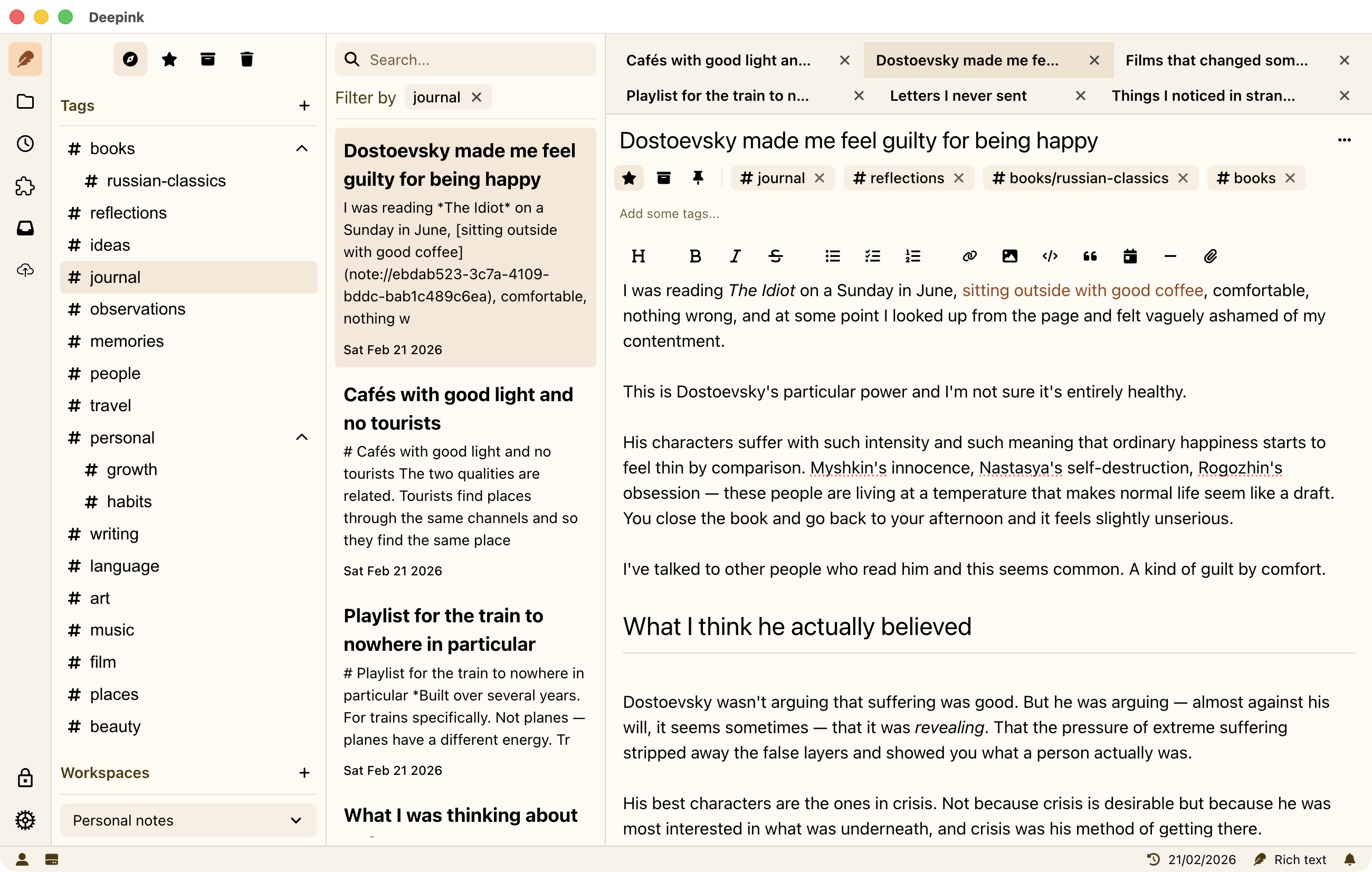
Keep everything in your vault. Workspaces and nested tags help you separate contexts and find what you need quickly, from project specs, contracts, and code snippets to book quotes, a daily journal, research, and more.

Download now

Free to use. No limits.

Structure your thinking

Capture a quick insight or build something complex. Deepink brings order and focus to everything you write down.

Links
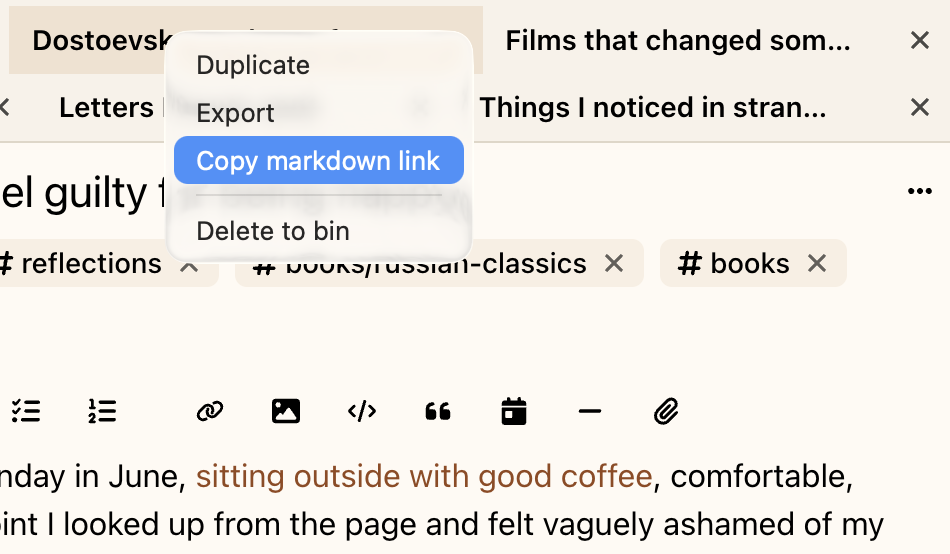
Links let you reference any note anywhere in your vault. Connect meeting notes to decisions, research to conclusions, and plans to execution without duplicating the same paragraph. Backlinks show every note that links to the note you’re viewing, so it’s easy to trace connections and navigate your knowledge naturally. Links keep context connected, so related notes stay easy to follow.

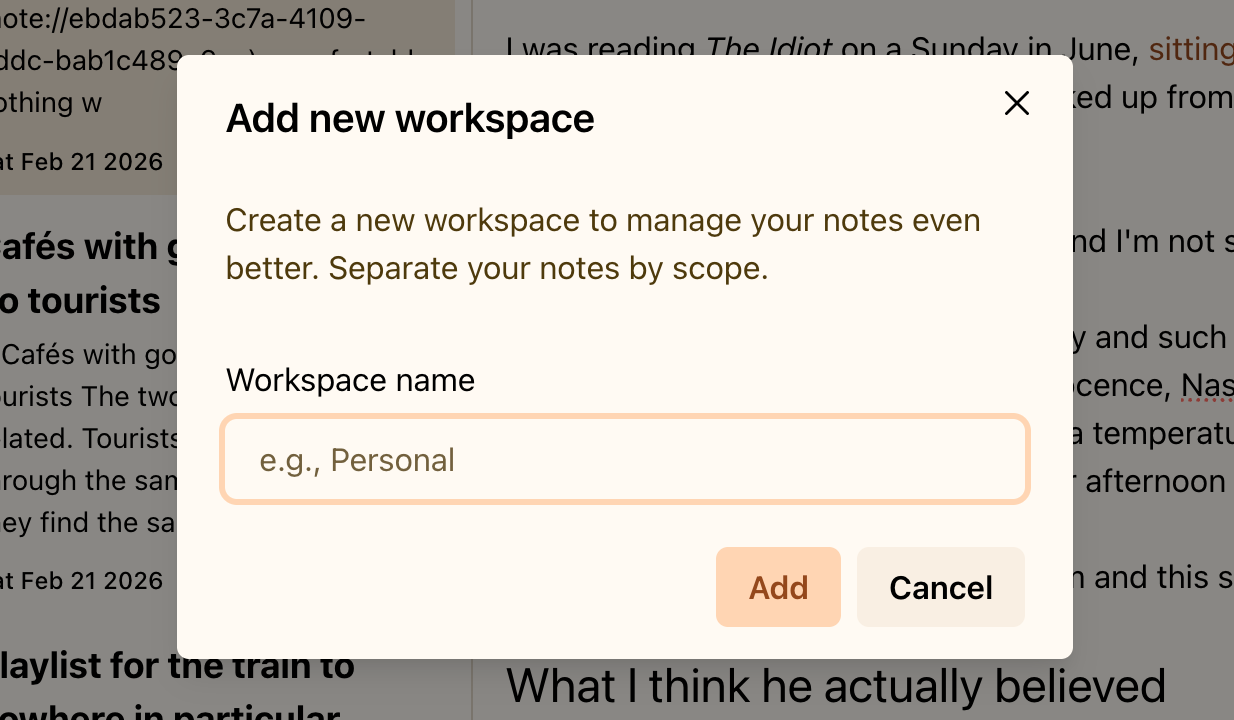
Workspaces

Keep different areas of your life separate without creating multiple vaults. Workspaces create focused spaces inside one secure vault. Unlock your vault once, then switch between contexts like Client Projects, Personal Journal, Health Notes, or Learning without mixing anything. Stay organized and context-specific. Share your screen with confidence: private content won’t appear by mistake. One vault. Clear boundaries. Zero friction.

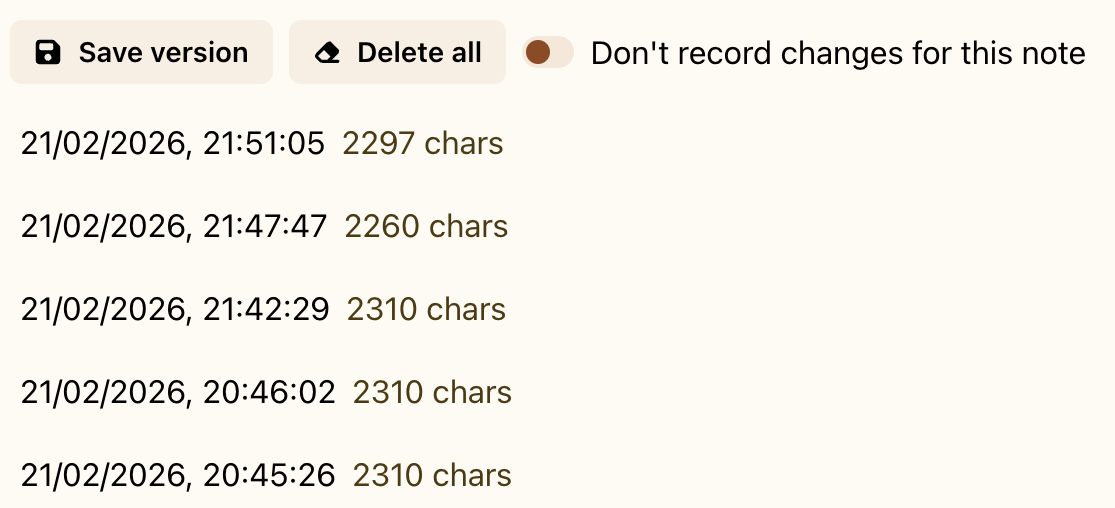
Note versions

Each note keeps a complete history of changes. Deepink saves versions automatically, so you can see what changed, restore an earlier draft, or follow how an idea developed over time. Whether it was edited yesterday or a year ago, nothing important is lost. Previous versions are always available when you need them.

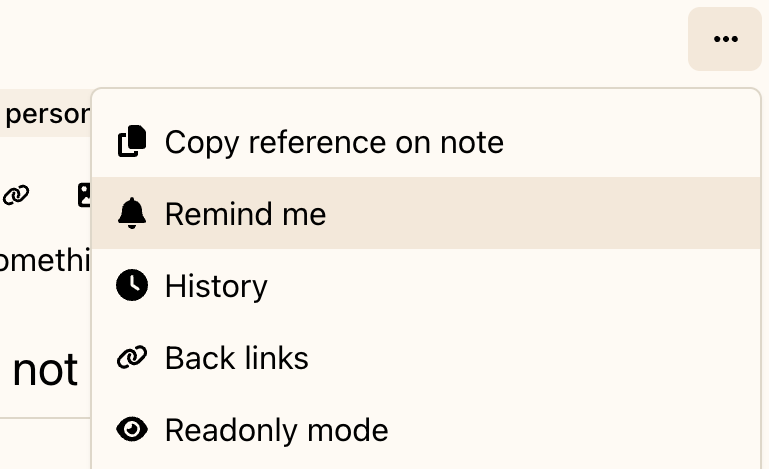
Reminders

Attach a reminder to any note and get notified at the right time. Set follow-up reminders for meeting notes, deadlines for project plans, renewal dates for documents, or check-ins for personal goals. Each reminder stays with the exact note, not as a separate task in another app. When it’s time, you open the note with every detail in place. Reminders help you act on your information, not just store it.

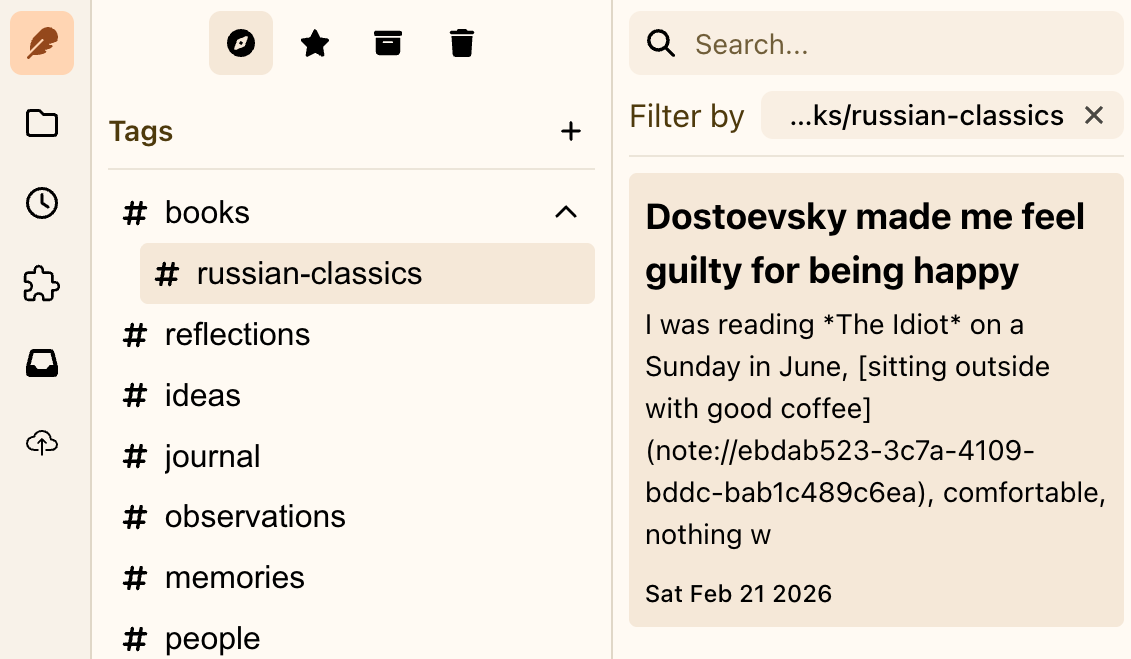
Nested tags

Organize your notes with tags that reflect a clear hierarchy. Nested tags let you create a parent/child structure, so broad topics can contain specific subtopics. For example, Clients can include individual client names, and Finance can include Taxes, Invoices, and Reports. Unlike folders, tags aren’t exclusive. A note can have multiple tags at once - client, finance, and a time period. Nested tags give you both precision and flexibility, even when topics overlap.

Encryption

The entire vault is encrypted. Some apps only encrypt data during sync or the note text. Deepink protects the full structure of your vault. Your notes, attachments, and metadata are unreadable to anyone but you, including us. Even file sizes are obfuscated to reduce the risk of analysis. What you store stays private by design.

A space for every part of your life

Keep everyday notes, reading, and plans in one private place. Switch contexts in a click, stay organized, and keep writing without breaking your flow.

Get Deepink